DELL
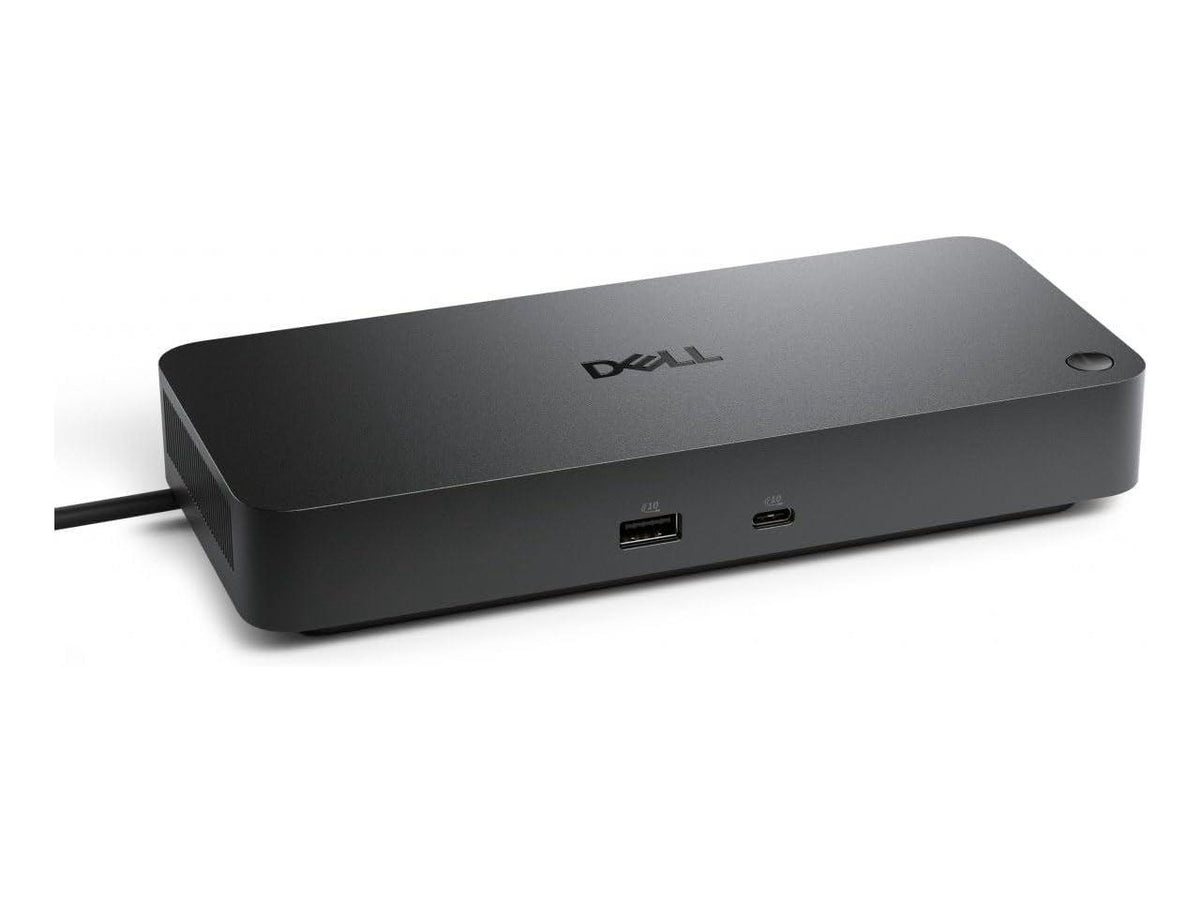
Dell Pro Thunderbolt 4 Docking Station WD25TB4 - High-Speed Laptop Connection Hub
Dell Pro Thunderbolt 4 Docking Station WD25TB4 - High-Speed Laptop Connection Hub
Couldn't load pickup availability
Product Overview
The Dell Pro Thunderbolt 4 Docking Station (WD25TB4) is a premium, high-performance peripheral solution designed to significantly enhance your workstation productivity. By acting as a central hub, this docking station allows you to expand your computer’s connectivity through a single, streamlined connection point. The advanced Thunderbolt 4 interface ensures you have access to modern data transfer standards, while the WD25TB4 model identifier provides the necessary detail for verifying compatibility with your specific laptop or existing office equipment.
Instead of managing individual cables for every monitor, keyboard, or mouse, you can connect your peripherals directly to the dock. This setup ensures that your workspace remains clean, organized, and ready for work the moment you plug in your laptop. Before finalizing your purchase, please verify that your host computer officially supports the Thunderbolt 4 connection standard. Additionally, review your specific hardware manuals to confirm display resolution capabilities, charging wattage delivery, and overall data-transfer throughput supported by your unique system configuration.
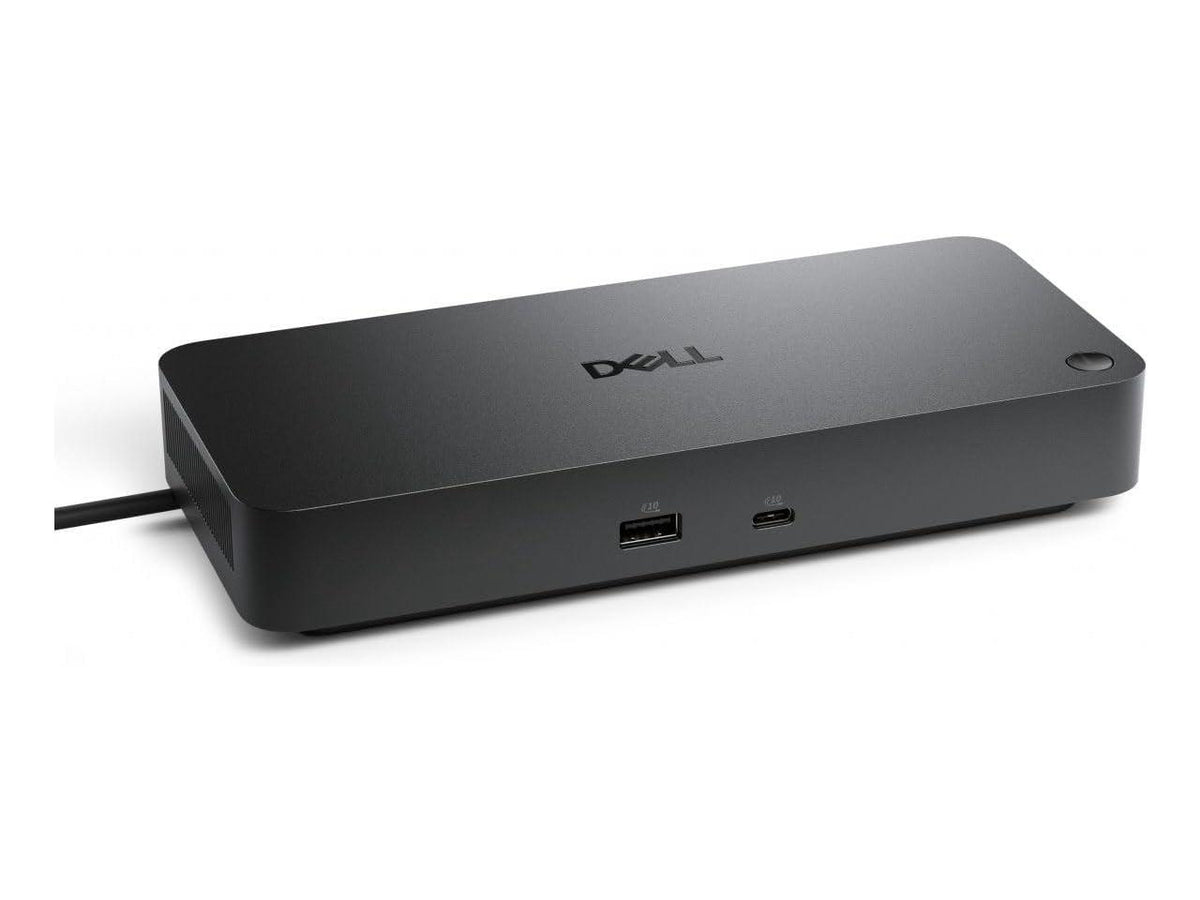
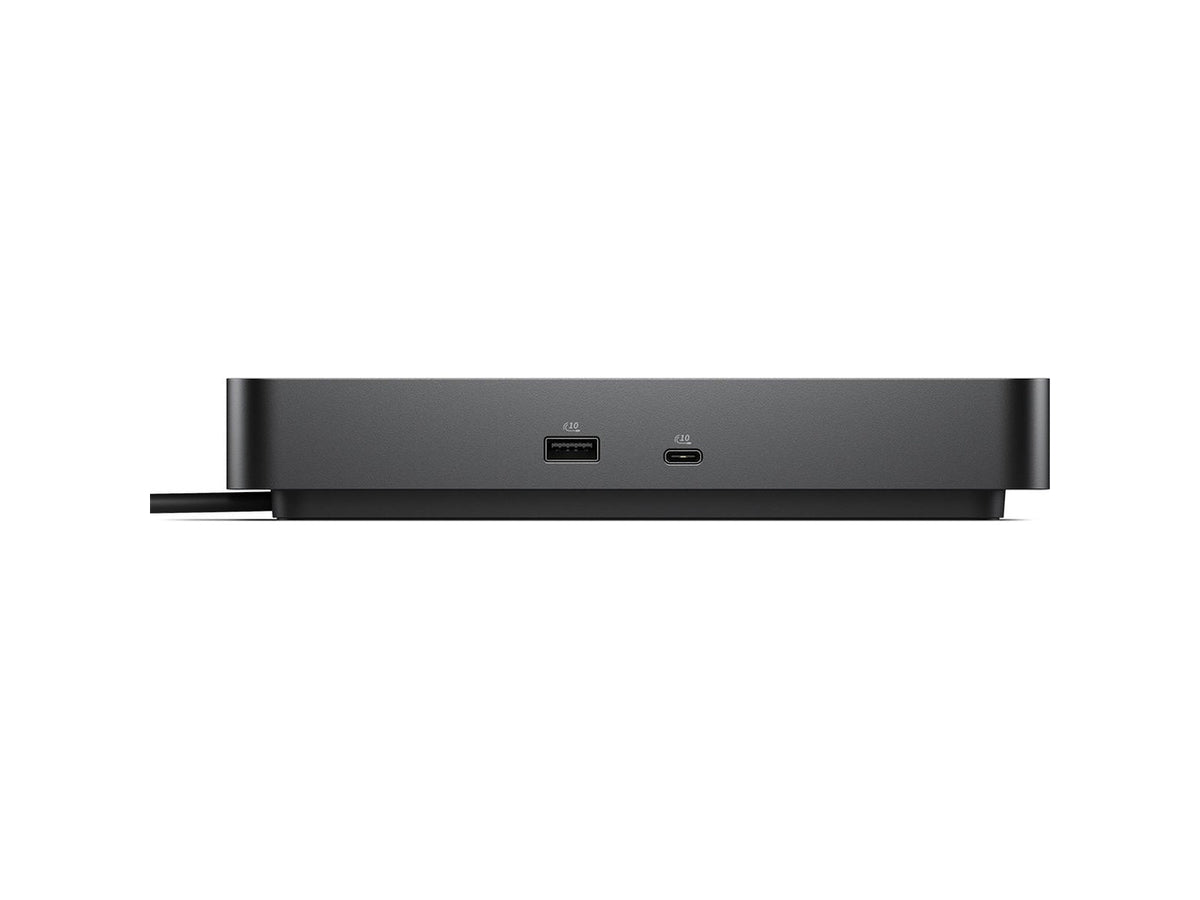
This product listing represents the authentic Dell Pro Thunderbolt 4 Dock, model WD25TB4. We do not make assumptions regarding specific port counts, cable lengths, power adapter ratings, or display output resolutions, as these may vary based on your host environment. We strongly recommend checking the included listing photos and your own technical requirements to ensure this model matches your setup perfectly.
Key Features
- Dell Pro Docking Efficiency: Consolidate your workstation peripherals into one accessible hub, reducing desk clutter and simplifying your cable management workflow.
- Thunderbolt 4 Performance: Built with the industry-leading Thunderbolt 4 standard, providing a future-proof interface for demanding hardware configurations.
- Seamless Expansion: Connect multiple external devices, such as monitors, external drives, and input peripherals, through a single link to your laptop.
- Model-Specific Reliability: The WD25TB4 identifier ensures you are receiving the precise Dell engineering required for your specific professional setup.
- Laptop-Centric Design: Optimized for professional laptops that support high-speed docking, allowing for quick transitions between stationary and mobile work modes.
- Compatibility Focused: Performance metrics including charging speeds, external display counts, and data bandwidth are directly tied to the specifications of the host computer connected to the dock.
Technical Specifications
- Product Category: Laptop Docking Station
- Brand/Model: Dell Pro Thunderbolt 4 Dock (WD25TB4)
- Interface Protocol: Thunderbolt 4 Technology
- Model Identifier (MPN): WD25TB4
- Product Versatility: Designed for enterprise, creative, and home office workstations requiring robust peripheral support.
- Essential Compatibility Note: Total functionality, such as monitor resolutions and power delivery (charging), is dependent on your specific laptop hardware and firmware settings.
- Included Contents: This listing covers the docking station unit itself. Please cross-reference our provided product photography to confirm whether specific power adapters or data cables are included in your shipment.
- UPC/Identification: 884116692492
What’s in the Box
Your purchase includes one Dell Pro Thunderbolt 4 Docking Station, model WD25TB4. Please note that the documentation provided by the manufacturer does not confirm the inclusion of specific power cables or external peripherals. Always verify the contents of the package using our high-resolution listing photos to ensure you receive all necessary components for your specific requirements.
Share