ASUS
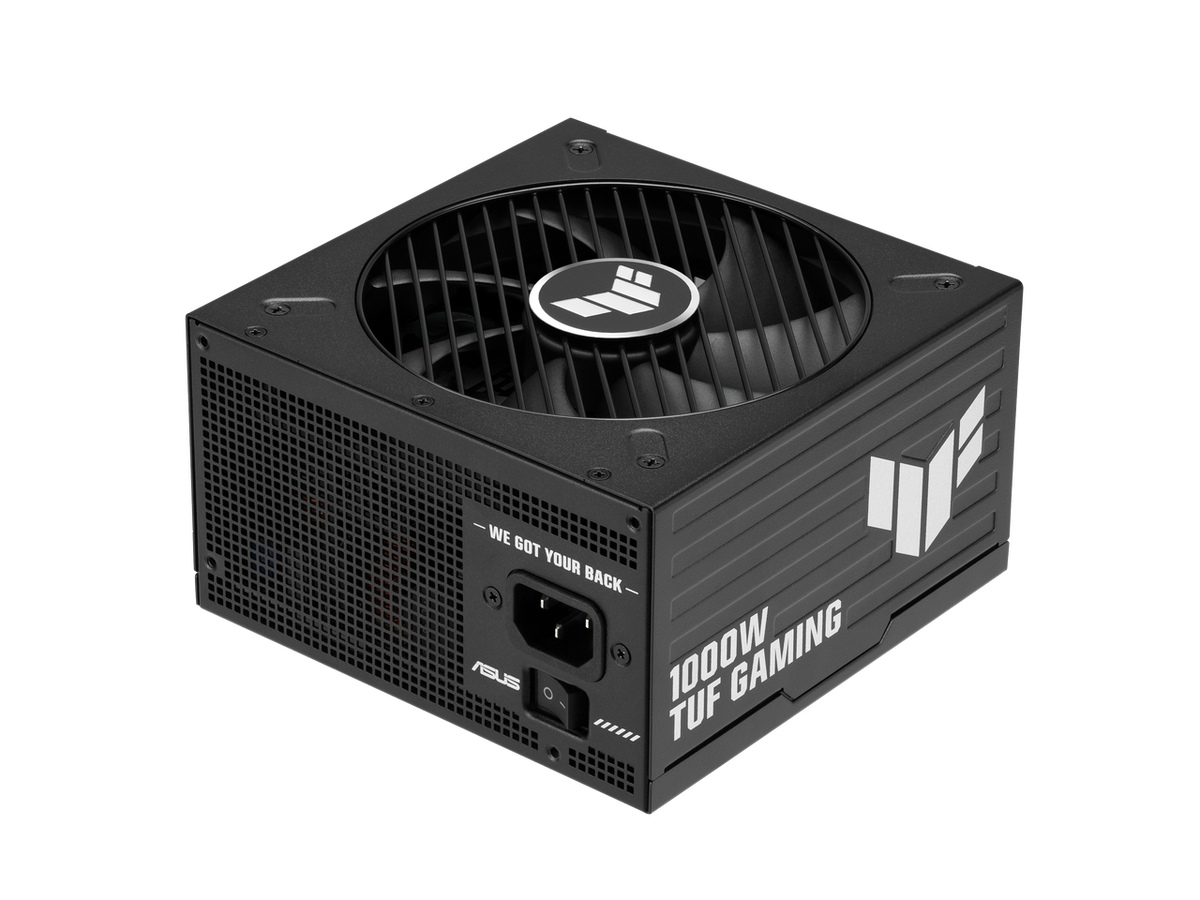
ASUS TUF Gaming 1000P R Power Supply Unit (PSU) - Reliable PC Performance
ASUS TUF Gaming 1000P R Power Supply Unit (PSU) - Reliable PC Performance
Couldn't load pickup availability
Product Overview
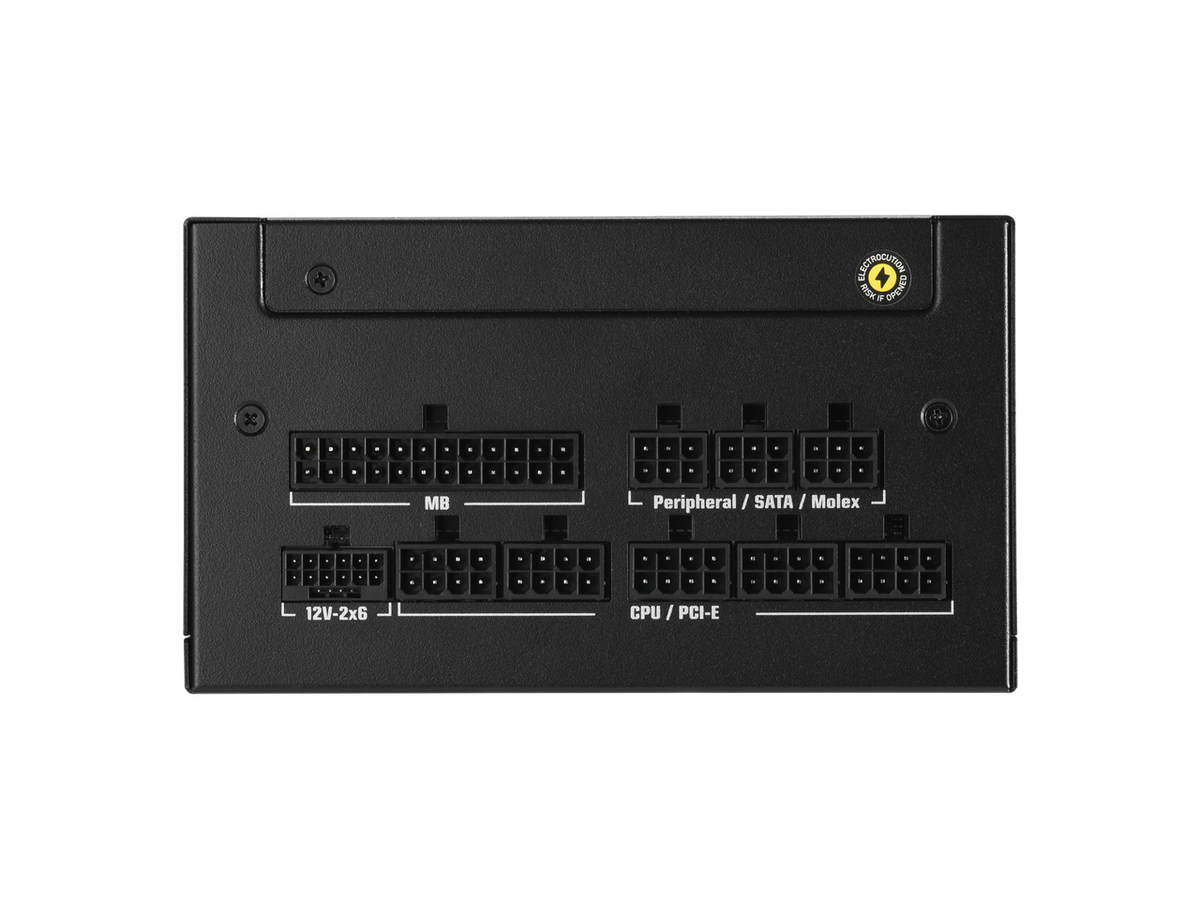
The ASUS TUF Gaming 1000P R is a high-performance power supply unit (PSU) engineered for reliability and durability within the TUF Gaming product ecosystem. Designed to serve as the heartbeat of your desktop computer, this unit provides the critical electrical power required by high-end components, including modern GPUs and multi-core processors. Selecting a robust and reliable PSU is a foundational step in any custom PC build or system upgrade, ensuring stable voltage delivery under various load conditions. Before beginning your installation process, we highly recommend verifying the specific connector layout and electrical requirements of your motherboard and peripheral devices to ensure perfect compatibility.
Please note that this listing details the ASUS TUF Gaming 1000P R model as supplied. While the TUF Gaming brand is synonymous with rigorous testing and build quality, essential technical metrics such as efficiency certification (e.g., 80 Plus rating), specific cable modularity, cooling fan control curves, and exact physical dimensions are subject to the specific unit label and manufacturer specifications. We advise all users to consult the physical product label or the official ASUS documentation provided in the retail packaging to confirm performance metrics, rather than relying on external general descriptions. This ensures you have the accurate data needed for your specific system configuration.
Key Features
- Official ASUS TUF Gaming Series: Built with the signature TUF durability standards for long-lasting performance in desktop builds.
- Model Designation: Clearly identified as the TUF-GAMING-1000P R, optimized for reliable power distribution.
- Desktop Optimization: Specifically designed to handle the power delivery needs of modern PC components, including high-wattage graphics cards.
- Compatibility Focused: Designed for versatility, though users should always verify connector availability against their specific component requirements.
- Installation Safety: Recommended for use with standardized ASUS installation guidance to ensure proper safety and electrical grounding during setup.
Technical Specifications
- Brand: ASUS
- Product Series: TUF Gaming
- Model Number: TUF-GAMING-1000P R
- Component Type: Desktop PC Power Supply Unit (PSU)
- Rated Wattage: Please verify specific output via product label or official documentation.
- Efficiency & Certification: Refer to official product label for exact ratings.
- Cooling System: Integrated fan cooling system; consult manufacturer manual for specs.
- Modularity: Fixed or modular configuration; check retail packaging details.
- System Compatibility: Requires verification of case clearance, motherboard 24-pin/CPU connectors, and PCIe requirements.
What's In The Box
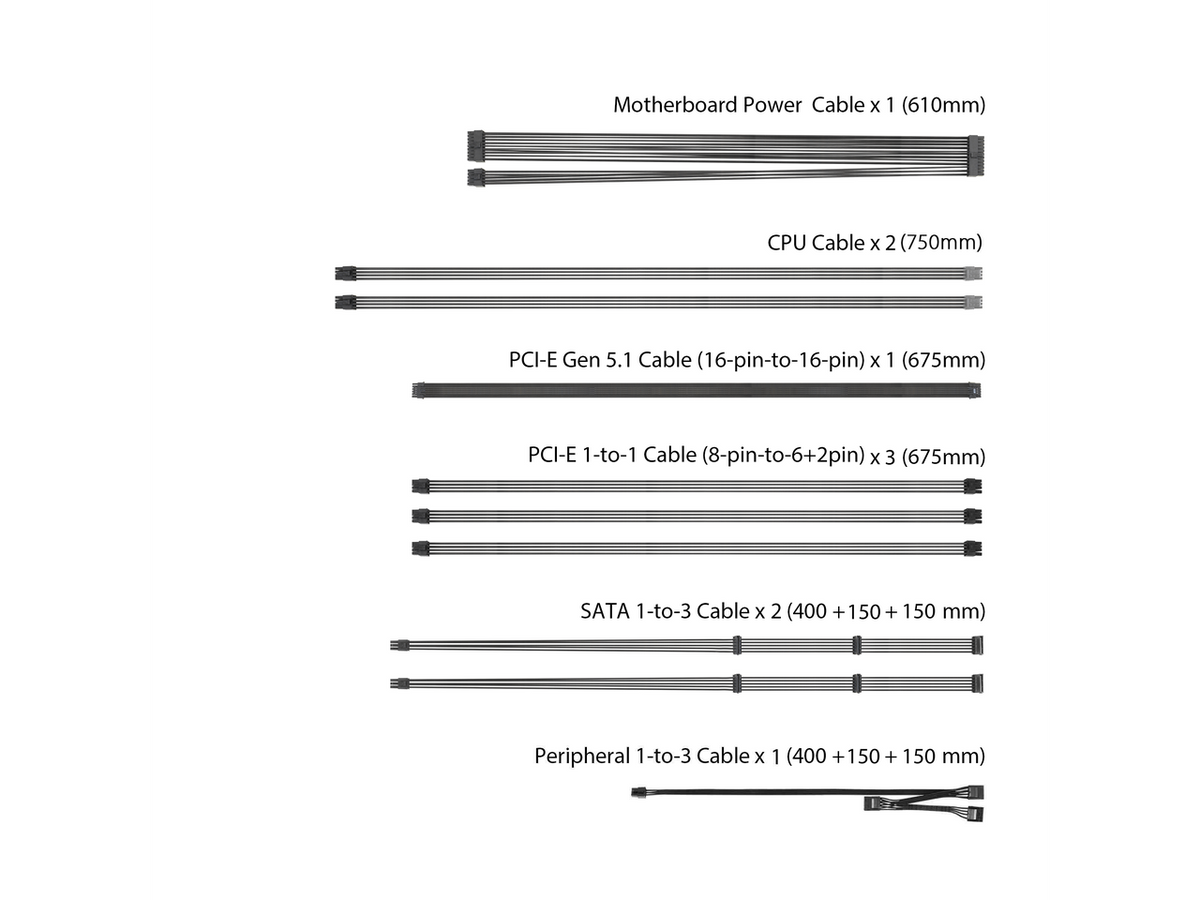
The retail package for the ASUS TUF Gaming 1000P R typically includes the power supply unit, essential power cabling, and mounting hardware. Please be aware that the exact list of accessories, such as specific cable types (SATA, PCIe, Molex) and documentation, can vary based on the regional packaging and production batch. We encourage customers to inspect the retail box contents upon arrival to ensure all necessary hardware is present for your specific build requirements. Do not proceed with installation if you believe essential cables or mounting components are missing from your package.
Compatibility and Installation
Before installing your new ASUS TUF Gaming 1000P R, ensure that your PC case has sufficient physical clearance to accommodate the PSU dimensions. Cross-reference the electrical output labels on the unit with the combined power draw of your system components, including overclocked CPUs and GPUs. It is vital to connect the motherboard, graphics card, and storage drives using the correct designated power rails. Always power off your system and disconnect the wall supply before performing any hardware maintenance. If you are not familiar with PC electrical components or installation procedures, we strongly recommend seeking assistance from a qualified technician to avoid potential damage to your system hardware.
Share