HP
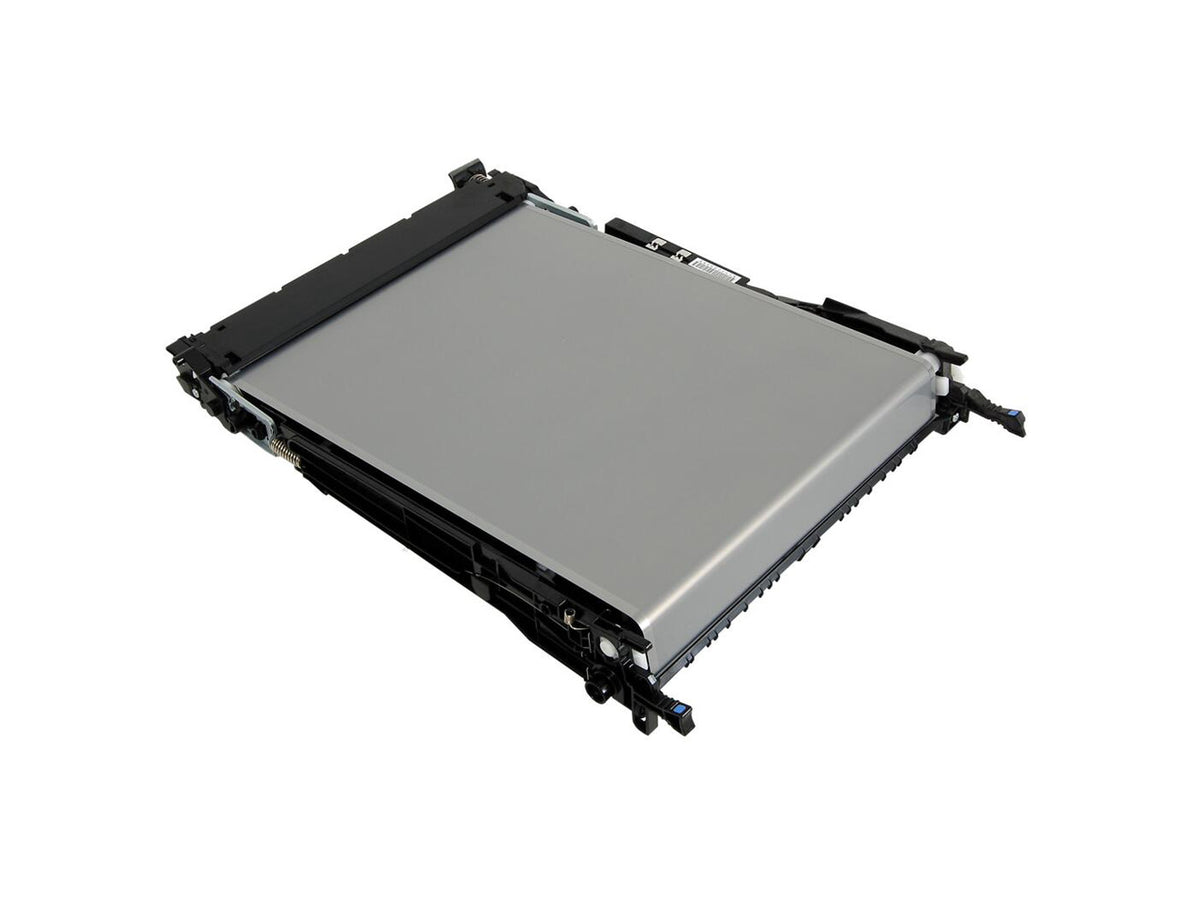
ACC PRT HP RM2-6576-000CN R
ACC PRT HP RM2-6576-000CN R
Couldn't load pickup availability
Product Overview
The HP RM2-6576-000CN R is an HP printer accessory or replacement part identified by manufacturer part number RM2-6576-000CN R. The supplied product information does not specify the component type, compatible printer models, or its function. Use the part number to compare this item with the service documentation or the label on the component you need to replace. Matching the complete number, including the final R, can help distinguish this part from similar HP components.
This listing is intended for customers who have already identified the required HP part and need a listing associated with its exact reference. Before installation, verify that the part is appropriate for your printer model and configuration. Printer components can vary between models and revisions, so a similar appearance or a partial part-number match is not enough to establish compatibility. Consult HP documentation or a qualified printer technician if you are unsure which component your equipment requires.
Key Features
- HP-branded printer accessory or replacement part.
- Manufacturer part number: RM2-6576-000CN R.
- Part number is provided to support identification and compatibility checks.
- Suitable for replacement or service use only when confirmed for the specific printer.
- Component function and compatible printer models are not specified in the available product details.
Technical Specifications
- Brand: HP.
- Product category: Printer accessory or replacement part; exact component type not provided.
- Manufacturer part number: RM2-6576-000CN R.
- Compatible devices: Not specified; confirm against the printer model and official service information.
- Color, dimensions, material, and operating details: Not provided.
- Condition and packaging details: Not specified in the supplied description.
What's in the Box
- HP RM2-6576-000CN R part.
The supplied product information identifies the part number only and does not list additional accessories, fasteners, instructions, or installation tools. Please check the listing and packaging details for confirmation of the contents. For safe servicing, follow the printer manufacturer's instructions, power down the device as directed, and use appropriate handling procedures. Confirming the part number and printer compatibility before installation helps avoid delays and ensures that the replacement component is intended for the equipment being serviced.
Share